 Ambitus
A note can be a real document
29 October 2026 · Robert Stollar
Note apps are great for quick thoughts. A line, a link, a reminder to self. But is that enough?
Beyond the quick lines, my project notes are not quick thoughts. They're plans with tables. Photos of a whiteboard. A recording of a client call. A sketch of how the workflow should run. And at the end, something I can send as a PDF or a Word document.
For years that meant a notes app for the thoughts, a spreadsheet for the numbers, and a word processor for anything that had to look good.
So notes in Ambitus are built to be documents. If you choose.
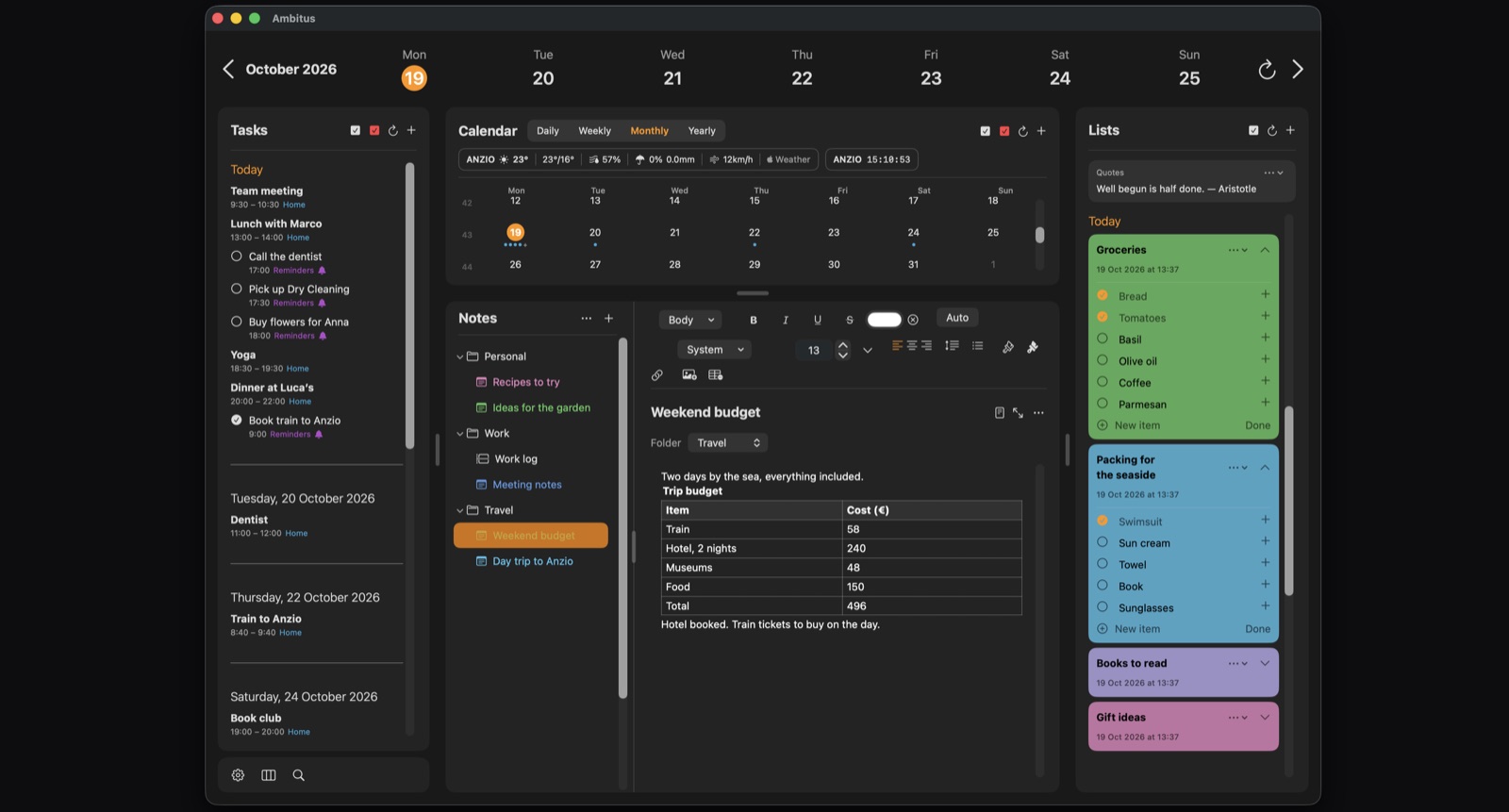
Tables with sums and formulas, tick boxes, currency formats, and a header row that stays at the top while you scroll. My monthly accounts live in one of those: 76 rows, totals at the bottom, a tick for each one paid. Photos, videos, drawings with an Apple Pencil, and recordings that can be turned into text, right on the device, right in the note. Even the words on that whiteboard photo can be selected and copied.
And a note can be shown as a real page, A4 or Letter, on screen the way it will print. Then export it as a PDF or a Word document, or print it. A table can go out to Numbers or Excel as a CSV. It works the other way too: a Word, RTF or PDF document can come in as a note, with its formatting, tables and pictures.
None of it gets in the way when all I want is a quick line. But when the note grows into a document, it doesn't have to move house.
What's the last note you had to copy into another app just to make it presentable?