 Ambitus
Search
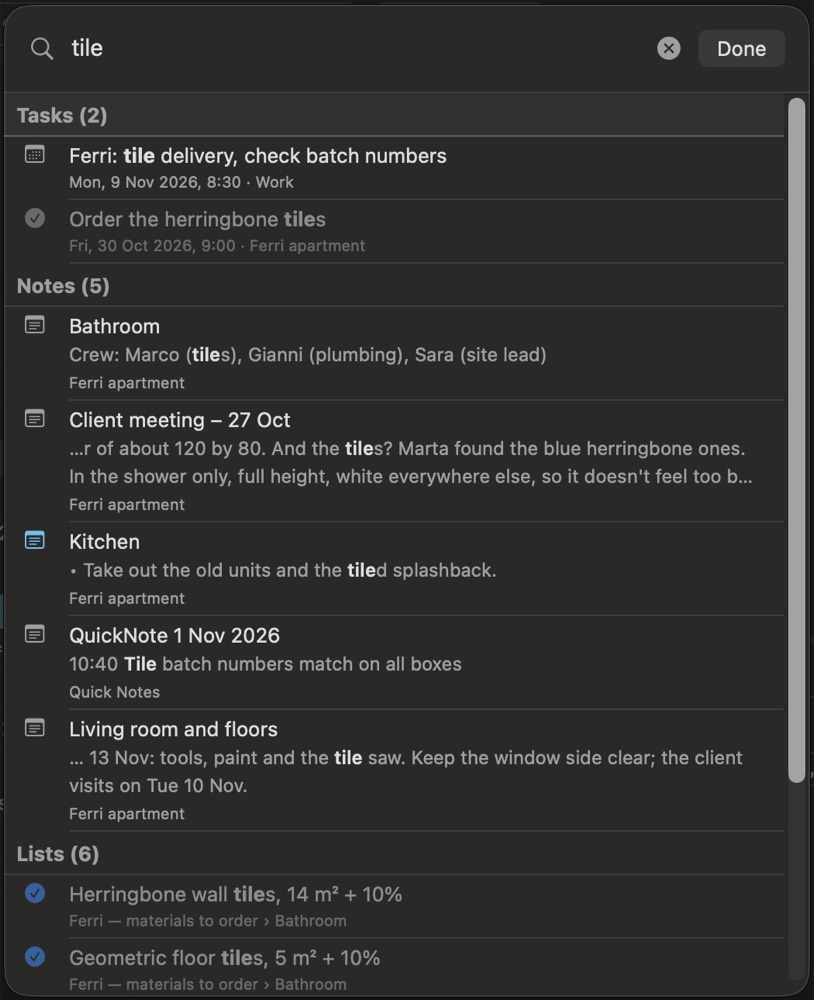
Search looks through your tasks, notes and lists at once, and shows you the thing in its place.
Opening it
- Mac: the magnifying glass under Tasks, or ⌘F.
- iPad: the magnifying glass under Tasks, or ⌘F on a keyboard. In a narrow window, it is at the top of Tasks, Lists and Notes.
- iPhone: the magnifying glass at the top of Tasks, Lists and Notes.
What it looks through
| Where | What is searched |
|---|---|
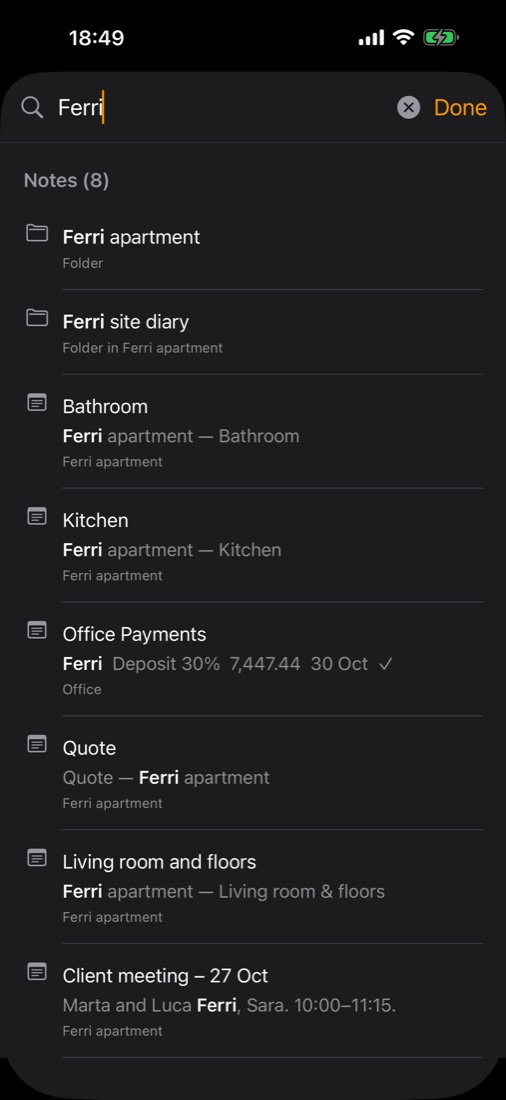
| Tasks | The title, the notes and an event's place. Tasks with a date are searched, completed ones too. Events from six months back to six months ahead |
| Notes | The title, the text, table cells, transcripts of recordings, folder names, and the tags on photos, drawings, recordings and videos |
| Lists | The title, the tags, the items and the sub-items |
How it matches
Results come as you type, from the second letter. Capitals and accents don't matter. With several words, all of them must be there, in any order.
The results
Results come in three groups, Tasks, Notes and Lists, each with its count and its first ten. Show All gives the rest.
Tap or click a result: Search closes and the thing is shown in its place. Ticked and completed things are found too, shown dimmed.
Opening Search again shows your last search.
Not searched
The pictures themselves, drawings, and the sound of recordings and videos aren't searched. Only their tags and transcripts are.
To make a photo, drawing, recording or video easy to find, give it tags. See Photos, Drawings, Recordings and Video ▸ Tags.